Adobe migrations that don't stop your business.
You know you need to modernize your Adobe stack. What holds you back is the fear that migration will break things. It won't, and what looks like a six-month project runs in under two.

What waiting costs you.
You're blocking your own Adobe roadmap
You're analyzing the past in silos
You're carrying a risk you don't need to
Adobe moves its platforms forward every year. When you stay on a version Adobe is moving away from, you build up technical debt: workarounds pile up, the people who know the old setup become harder to find, and the migration you will eventually need gets bigger and more expensive. Meanwhile, the new capabilities, including the AI features Adobe now builds into its newest platforms, go to the companies that have already moved.
Why the migration feels bigger than it is.
What's actually in there
Ten tag properties, each carrying anywhere from 15 to 185 rules, built up over years by many different hands. Every rule solved a specific need at the time, little of it is documented, and no one person holds the full picture anymore.
Why it stalls
Scoped cold, that volume looks like a six-month rebuild. So it lands on the roadmap, gets estimated conservatively, and loses the slot to everything else competing for the quarter. It sits, and the modernization everyone already agreed on keeps not happening.
What it actually takes
Far less than the rule count suggests. All ten properties rebuilt, cleaned, and QA'd end to end, in under two months. And because it isn't a like-for-like port, you come out with a leaner, documented setup than the one you went in with.
Migrations we handle.
Legacy JS Libraries → Web SDK
Web SDK is the data-collection foundation for the modern Adobe stack. Without it, a native AEP-based CJA or RT-CDP setup isn't possible. We audit your current implementation, map the data-layer dependencies, rebuild your tags in Web SDK, and validate parity before cutover. We don't go live until the data is right. The right move if your roadmap includes CJA, RT-CDP, or any AEP-connected use case.
Adobe Analytics → Customer Journey Analytics
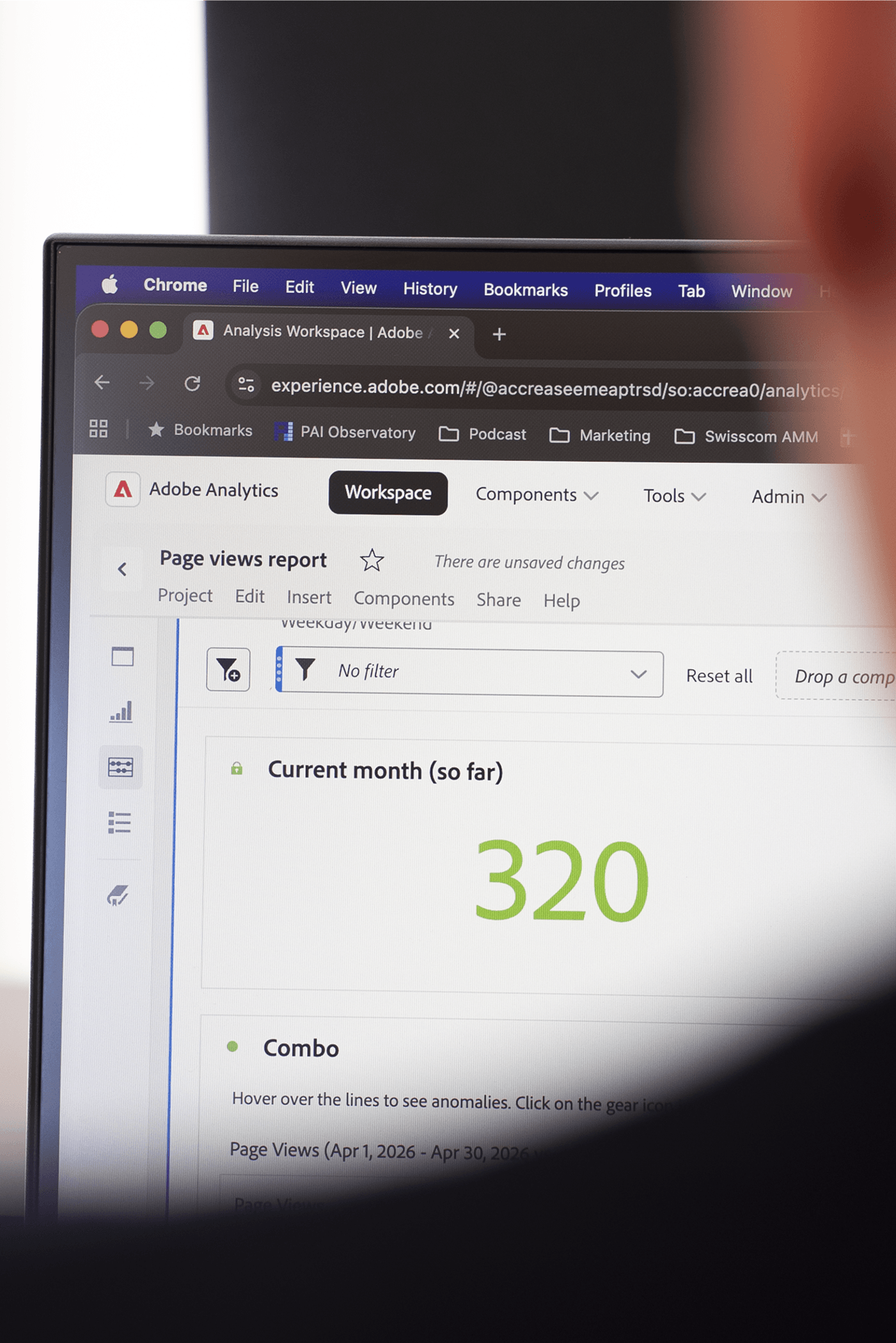
CJA is the analytics layer of the modern Adobe stack, running on Adobe Experience Platform. It stitches identity across channels, removes sampling, and surfaces AI-powered insights AA can't. We scope the migration, design the CJA data model, rebuild your reports and calculated metrics, and train your analysts so the switch is smooth. The right move when your analytics have outgrown AA or you want full value from AEP.
Adobe Campaign Standard / Classic → Adobe Journey Optimizer
AJO is Adobe's current platform for real-time journey orchestration, handling triggered campaigns, batch sends, and cross-channel journeys on one architecture. Campaign Standard has reached end-of-support. We map your campaign inventory and journey logic, migrate your active programs, and QA delivery before cutover, and your live programs stay live throughout. The right move if you're on Campaign Standard or want AJO's real-time capabilities.
Migration questions we get asked.
Can we migrate from AppMeasurement to Web SDK without disrupting our analytics?
Yes. We build and test the Web SDK setup alongside your current implementation, so your live tracking keeps running. We only switch over when the data from the two setups matches, so your reports show no gap. We have done this for complex setups with multiple properties and hundreds of rules, so the size of your setup is rarely the problem.
Do we need Web SDK before we can move to Customer Journey Analytics (CJA)?
Not strictly. Adobe Analytics data can be brought into CJA through a connector while Web SDK is being built, and sometimes that is the right order. Long term, Web SDK sends your data directly into Adobe Experience Platform, which CJA is built on, so we usually plan the two as one program.
How long does an Adobe Analytics to CJA migration take?
Faster than most expect. The timeline depends on your current setup: how many report suites, variables and data sources you have, and whether you move to Web SDK at the same time. It rarely needs to be a six-month project. We map your setup in a short discovery phase, so you get a clear plan and timeline before you commit.
When should we move from Adobe Campaign Standard to Adobe Journey Optimizer (AJO)?
As soon as it makes sense for your programs. Adobe has shifted its investment away from Campaign Standard, and AJO is where new journey and real-time features are built. The longer you wait, the more campaigns, templates and integrations you will have to move later. We plan the move so your live programs keep running while you switch.
We are on Adobe Campaign Classic v7. Should we move to v8 or to Adobe Journey Optimizer?
It depends on how you use Campaign today. Leaving v7 means a migration either way, so it is the right moment to decide where you are going. Both Campaign Classic v8 and AJO can run large batch campaigns, while AJO adds real-time, event-triggered journeys and is where Adobe puts its newest features. We review your current programs, channels and licenses, and recommend whether AJO or Campaign Classic v8 is the right fit for you.
Should we move our AEM website to Edge Delivery Services?
For most organizations, yes, whether you run AEM on-premise, as Managed Services or already as a Cloud Service. Edge Delivery Services gives you faster pages, simpler content editing and access to the AI and automation features Adobe is building for delivery and visibility, including in search. We help you plan the move and make sure your teams actually use the new capabilities once you are there.
Can Accrease run the migration alongside our in-house team?
Yes, that is how most of our migrations run. Your team keeps ownership of the platform, and our specialists do the migration work with them, so the knowledge stays in your organization when we are done. If your team does not have the capacity, we can also take on the full migration.